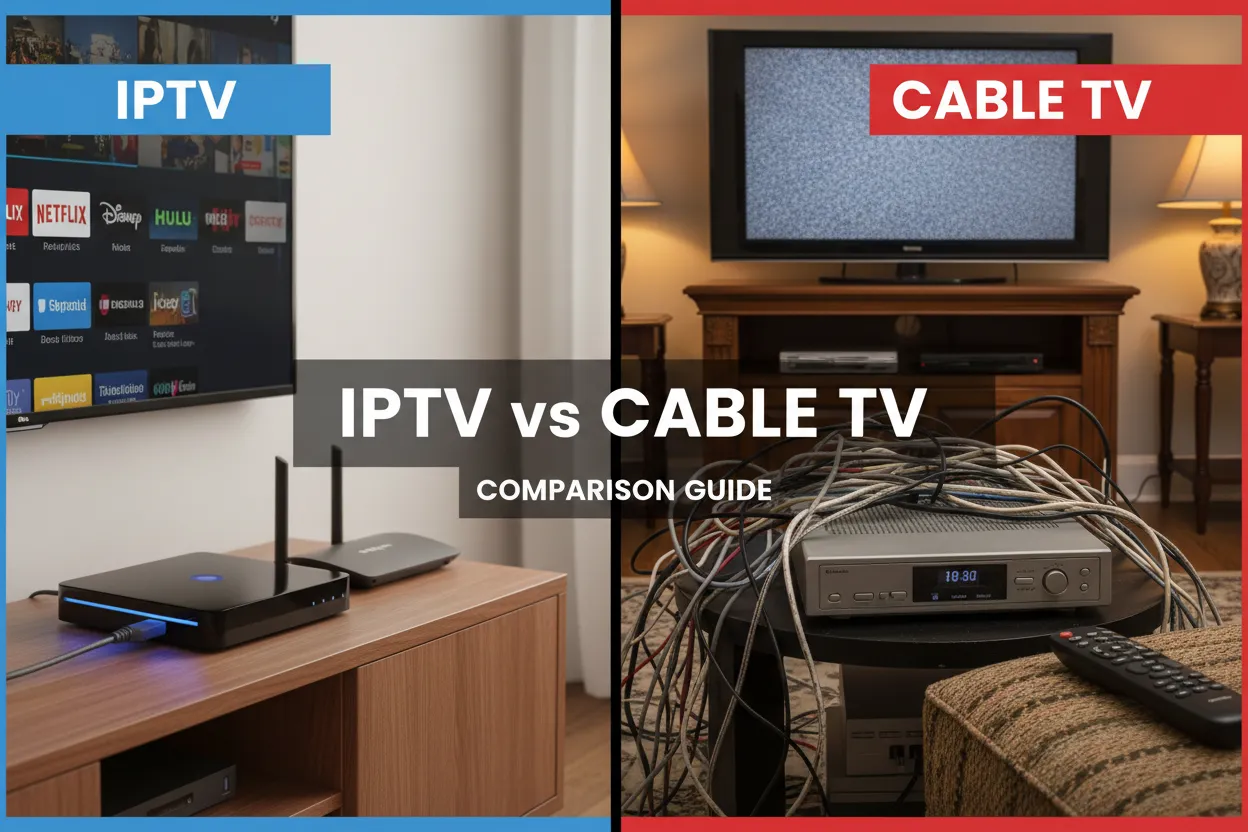
The way we watch TV has changed dramatically. Traditional cable TV dominated for decades, but IPTV (Internet Protocol Television) is rapidly taking over. If you’re deciding between the two, this guide breaks down everything you need to know.
We’ll compare costs, channel selection, quality, flexibility, and more. By the end, you’ll know exactly which option fits your lifestyle and budget.
What’s the Difference?
Before diving into comparisons, let’s clarify what each technology actually is.
Cable TV
Cable TV delivers television signals through coaxial cables connected to your home. It’s the traditional method that’s been around since the 1950s.
How it works:
- TV signals travel through physical cables
- Requires a cable box from your provider
- Fixed channel packages
- Scheduled programming
IPTV
IPTV delivers television content over the internet. Instead of cables, it uses your internet connection to stream channels.
How it works:
- Content streams over your internet connection
- Works on any device with internet access
- Flexible channel selection
- On-demand and live content
The fundamental difference: Cable uses dedicated infrastructure, while IPTV uses your existing internet connection.
Cost Comparison
Let’s talk money - often the deciding factor.
Cable TV Costs
Monthly fees:
- Basic package: €30-50/month
- Standard package: €50-80/month
- Premium package: €80-150/month
Additional costs:
- Installation fee: €50-100
- Cable box rental: €5-15/month per box
- DVR service: €10-20/month
- Premium channels: €10-30/month each
- HD upgrade: €5-10/month
Hidden costs:
- Equipment rental fees
- Broadcast TV fees
- Regional sports fees
- Early termination fees
Total typical cost: €70-120/month for a decent package with one box.
IPTV Costs
Monthly fees:
- Basic IPTV service: €10-30/month
- Premium IPTV service: €30-60/month
- Top-tier service: €60-100/month
One-time costs:
- Streaming device: €30-150 (Fire TV Stick, Apple TV)
- No installation fees
- No equipment rental
Additional costs:
- Internet connection (you likely already have this)
- VPN (optional): €5-10/month
Total typical cost: €20-50/month including device amortization.
Winner: IPTV
IPTV is significantly cheaper. Even with a premium IPTV service and buying a streaming device, you’ll save €30-70 per month compared to cable.
Channel Selection
More channels doesn’t always mean better, but let’s compare.
Cable TV Channels
Typical packages:
- Basic: 50-100 channels
- Standard: 150-250 channels
- Premium: 250-500+ channels
Pros:
- All major local channels
- Reliable channel availability
- Official broadcaster content
- Regional sports networks
Cons:
- Lots of filler channels you never watch
- Pay for bundles, not individual channels
- Limited international content
- Expensive premium channels
IPTV Channels
Typical offerings:
- Basic: 500-1,000 channels
- Standard: 1,000-3,000 channels
- Premium: 3,000-10,000+ channels
Pros:
- Massive channel selection
- International channels from many countries
- Niche and specialty channels
- Sports from around the world
- On-demand content libraries
Cons:
- Quality varies by provider
- Some channels may be unreliable
- Need to verify legitimacy of content
Winner: IPTV (with caveats)
IPTV offers far more channels, but cable TV has more reliable access to local and regional content. If you want international variety, IPTV wins easily.
Picture and Sound Quality
Quality matters, especially on modern 4K TVs.
Cable TV Quality
Video quality:
- SD: 480p (older channels)
- HD: 720p-1080i (most channels)
- 4K: Limited availability, premium channels only
Audio quality:
- Standard stereo
- Dolby Digital 5.1 on some channels
- Dolby Atmos on select premium content
Pros:
- Consistent quality
- No buffering
- Reliable during peak hours
Cons:
- Limited 4K content
- Compressed video on many channels
- Quality depends on cable infrastructure
IPTV Quality
Video quality:
- SD: 480p (available but uncommon)
- HD: 720p-1080p (standard)
- 4K: Increasingly common on premium services
Audio quality:
- Stereo to Dolby Digital 5.1
- Dolby Atmos on premium content
- High-quality audio streams
Pros:
- Better compression technology
- More 4K content available
- Quality improving constantly
Cons:
- Depends on internet speed
- Can buffer during peak hours
- Quality varies by provider
Winner: Tie (depends on internet)
With good internet (50+ Mbps), IPTV matches or exceeds cable quality. With slower internet, cable is more reliable.
Device Compatibility
Where and how can you watch?
Cable TV Devices
Compatible with:
- Cable box (required)
- TV with cable input
- Some cable providers offer apps
Limitations:
- Need cable box for each TV
- Limited mobile viewing
- Can’t watch on computer easily
- Tied to physical location
Pros:
- Simple setup
- Works without internet
- Reliable connection
IPTV Devices
Compatible with:
- Smart TVs (Samsung, LG, Android TV)
- Streaming devices (Fire TV, Apple TV, Roku)
- Smartphones and tablets (iOS, Android)
- Computers (Windows, Mac, Linux)
- Game consoles (some services)
Pros:
- Watch anywhere with internet
- One subscription, multiple devices
- No extra boxes needed
- Take it when traveling
Cons:
- Requires internet connection
- May need to buy streaming device
Winner: IPTV
The flexibility to watch on any device, anywhere, is a huge advantage for modern lifestyles.
Features and Functionality
Beyond basic TV watching, what else do you get?
Cable TV Features
Standard features:
- Channel guide (EPG)
- Parental controls
- Closed captions
Premium features (extra cost):
- DVR recording
- Pause/rewind live TV
- On-demand content
- Multi-room viewing
Limitations:
- DVR storage limits
- Can’t watch recordings on mobile
- Limited on-demand selection
- No catch-up TV
IPTV Features
Standard features:
- Electronic program guide (EPG)
- Catch-up TV (watch programs from past 7 days)
- Pause/rewind live TV
- Multi-device streaming
- Favorites and custom lists
Premium features:
- Recording (unlimited in many cases)
- Time-shift TV
- Picture-in-picture
- Multiple audio tracks
- Subtitle options
Advanced features:
- Watch on multiple devices simultaneously
- Download for offline viewing
- Personalized recommendations
- Integration with streaming services
Winner: IPTV
IPTV offers more features, often included in the base price rather than as expensive add-ons.
Reliability and Stability
How often does the service work perfectly?
Cable TV Reliability
Uptime:
- Generally 99%+ uptime
- Rarely goes down
- Weather can affect signal
Pros:
- Very stable
- Consistent performance
- No buffering
- Works during internet outages
Cons:
- Cable outages affect entire area
- Repairs can take days
- Physical infrastructure can fail
IPTV Reliability
Uptime:
- Varies by provider (95-99%)
- Depends on internet connection
- Can buffer during peak hours
Pros:
- Good providers have multiple servers
- Failover systems
- Quick to fix issues
Cons:
- Requires stable internet
- Can be affected by ISP issues
- May buffer during high traffic
- Quality varies by provider
Winner: Cable TV (slightly)
Cable is more consistently reliable, but good IPTV providers come very close. The gap is narrowing.
Installation and Setup
How easy is it to get started?
Cable TV Installation
Process:
- Schedule installation appointment
- Wait for technician (can take days/weeks)
- Technician installs cables and boxes
- Takes 2-4 hours
- May require drilling holes
Pros:
- Professional installation
- Everything set up for you
Cons:
- Requires appointment
- Long wait times
- Must be home for installation
- Physical installation needed
IPTV Installation
Process:
- Order IPTV subscription online
- Receive login credentials (instant)
- Download app on your device
- Enter credentials
- Start watching (15 minutes total)
Pros:
- Instant activation
- No appointment needed
- DIY setup
- No physical installation
Cons:
- Need to set up yourself
- May need to buy streaming device
- Requires basic tech knowledge
Winner: IPTV
The convenience of instant setup without waiting for technicians is a major advantage.
Contract and Flexibility
How locked in are you?
Cable TV Contracts
Typical terms:
- 1-2 year contracts
- Early termination fees (€100-300)
- Auto-renewal
- Price increases after promotional period
Flexibility:
- Difficult to change packages mid-contract
- Cancellation requires phone call
- Equipment must be returned
- Moving requires new installation
IPTV Contracts
Typical terms:
- Month-to-month (most providers)
- 3-12 month options (discounted)
- No early termination fees
- Cancel anytime
Flexibility:
- Change plans easily
- Cancel online instantly
- No equipment to return
- Works anywhere with internet
Winner: IPTV
No long-term contracts and easy cancellation make IPTV much more flexible.
Customer Support
When things go wrong, who helps?
Cable TV Support
Support options:
- Phone support (long wait times)
- In-person at retail locations
- Technician visits (scheduled)
- Online chat (limited)
Pros:
- Established support infrastructure
- Can send technicians
- Physical locations
Cons:
- Long wait times
- Frustrating phone menus
- Technician visits take days
- Often outsourced support
IPTV Support
Support options:
- Email support
- Live chat (most providers)
- Telegram/WhatsApp groups
- Online knowledge bases
Pros:
- Usually faster response
- Available 24/7
- Direct communication
- Active communities
Cons:
- No physical locations
- No technician visits
- Quality varies by provider
- Some providers have poor support
Winner: Tie
Cable has more established support, but IPTV often responds faster. Depends on the specific provider.
Legal Considerations
An important factor many overlook.
Cable TV Legality
- 100% legal
- Licensed content
- No legal risks
- Regulated industry
IPTV Legality
- Legal IPTV services exist (like Nordic IPTV)
- Illegal IPTV services also exist
- Must verify provider legitimacy
- Use licensed services only
How to identify legal IPTV:
- Clear company information
- Official website
- Secure payment methods
- Reasonable pricing
- Customer support
Winner: Cable TV (for peace of mind)
Cable is always legal. With IPTV, you must choose a legitimate provider.
Internet Requirements
IPTV needs internet - how much?
Minimum Requirements
For HD streaming (1080p):
- 10 Mbps per stream
- 25 Mbps for household with multiple users
For 4K streaming:
- 25 Mbps per stream
- 50+ Mbps for household
For multiple simultaneous streams:
- Add 10-15 Mbps per additional stream
Cable TV Internet Needs
- None - works without internet
- Can bundle internet + cable for discount
Winner: Cable TV (no internet needed)
If you have slow or unreliable internet, cable is the better choice.
Which Should You Choose?
Here’s who each option is best for:
Choose Cable TV if you:
- Have slow or unreliable internet
- Want maximum reliability
- Prefer traditional TV experience
- Don’t mind long-term contracts
- Want local channels guaranteed
- Don’t need to watch on mobile devices
- Are not tech-savvy
Choose IPTV if you:
- Have good internet (25+ Mbps)
- Want to save money
- Need flexibility (no contracts)
- Watch on multiple devices
- Want international channels
- Travel frequently
- Are comfortable with technology
- Want modern features (catch-up, recording)
The Hybrid Approach
You don’t have to choose just one:
Option 1: IPTV + Antenna
- IPTV for most channels
- Antenna for local channels
- Best of both worlds
- Very affordable
Option 2: IPTV + Streaming Services
- IPTV for live TV
- Netflix/Disney+ for on-demand
- Complete entertainment solution
- Still cheaper than cable
Making the Switch
If you’re moving from cable to IPTV:
Step 1: Test IPTV First
- Try IPTV service for a month
- Keep cable during trial
- Make sure it meets your needs
Step 2: Check Internet Speed
- Run speed tests at different times
- Ensure you have enough bandwidth
- Upgrade internet if needed
Step 3: Choose Devices
- Decide what devices you’ll use
- Buy streaming devices if needed
- Set up and test
Step 4: Cancel Cable
- Call cable company
- Return equipment
- Confirm cancellation
- Watch for final bill
Frequently Asked Questions
Can I get local channels with IPTV?
Yes, most IPTV services include local channels. You can also use an antenna for free local channels.
Is IPTV legal?
IPTV technology is legal. However, you must use a legitimate provider with proper licensing. Nordic IPTV is a legal service with licensed content.
Will IPTV work during internet outages?
No, IPTV requires internet. Cable TV works without internet, which is an advantage during outages.
Can I watch IPTV while traveling?
Yes, IPTV works anywhere with internet. This is a major advantage over cable TV.
Do I need special equipment for IPTV?
You need a device that can run IPTV apps - smart TV, Fire TV Stick, Apple TV, or similar. Most people already have compatible devices.
Is IPTV quality as good as cable?
With good internet (25+ Mbps), IPTV quality matches or exceeds cable. Many IPTV services offer 4K content that cable doesn’t.
Can I record shows with IPTV?
Yes, many IPTV apps offer recording features, often with unlimited storage. Cable DVR typically has storage limits and costs extra.
What happens if my IPTV provider shuts down?
With legitimate providers like Nordic IPTV, this is unlikely. Always choose established providers with good reputations.
For most people in 2024, IPTV is the better choice. It’s cheaper, more flexible, and offers more features. However, if you have slow internet or want maximum reliability, cable TV still has its place. Consider your specific needs, internet speed, and budget to make the right choice.